A tiny, floating companion for time tracking.
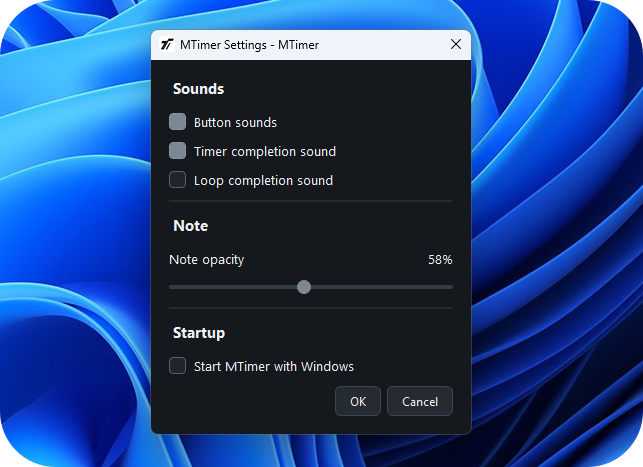
MTimer is a lightweight, all-in-one widget for Windows that stays visible above other windows. Seamlessly switch between a Timer, high-precision Stopwatch, and a live Clock. Add custom notes, launch automatically with Windows, and keep track of time without screen clutter.

MTimer — Simple by design.
Everything you need to track time, without unnecessary complexity.
3-in-1 Timekeeper
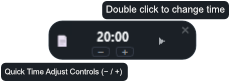
Switch effortlessly between a countdown Timer, precision Stopwatch, and live Clock via a smart pop-up bar.
Always on top
Keep MTimer pinned above games, IDEs, and browsers while you focus on your work.
Auto start
MTimer starts automatically and silently in the background alongside Windows.
Attached Notes
Attach quick notes or task reminders directly to the widget so you never lose context.
Lightweight & Snappy
Asynchronous background saving ensures zero lag, even on slow mechanical hard drives.
See MTimer in action.
A compact interface designed to stay out of your way.
Made to stay small
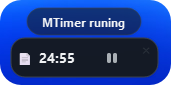
Your timekeeper shouldn't dominate your desktop. MTimer keeps an ultra-compact footprint while remaining readable at a glance. Open the discreet mode bar only when you need to switch tasks, set your intervals, and let it run.
Ready to start?
Download MTimer and keep track of your time without cluttering your workflow.
Download for Windows